
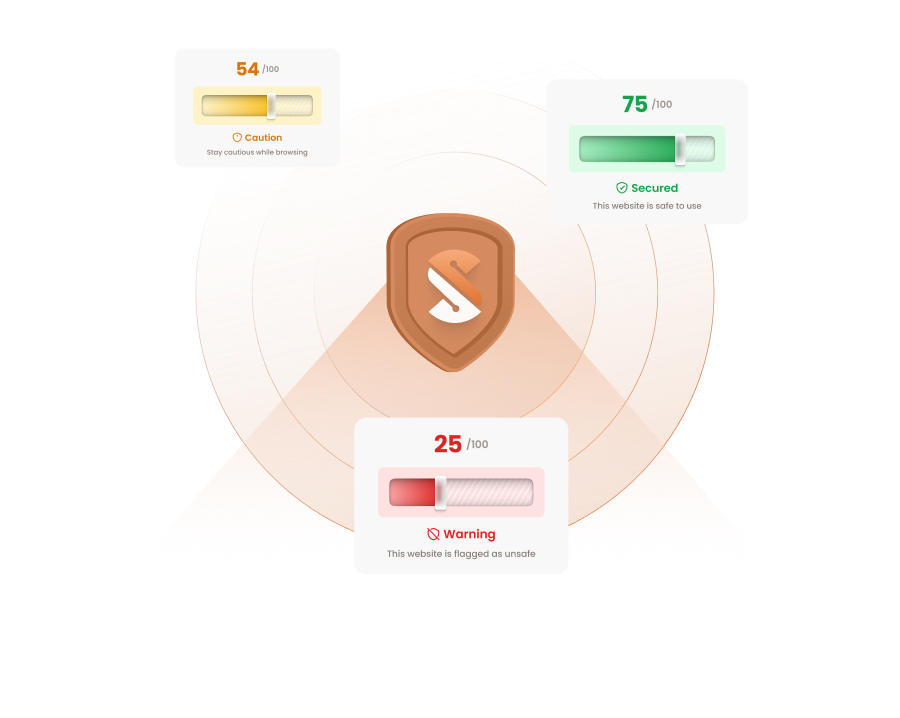
















Your Safety Shield Against All Types Of Online Scams
Get protection from unsafe links, fake websites, suspicious messages, and phishing emails.

Get ScamBuster Premium
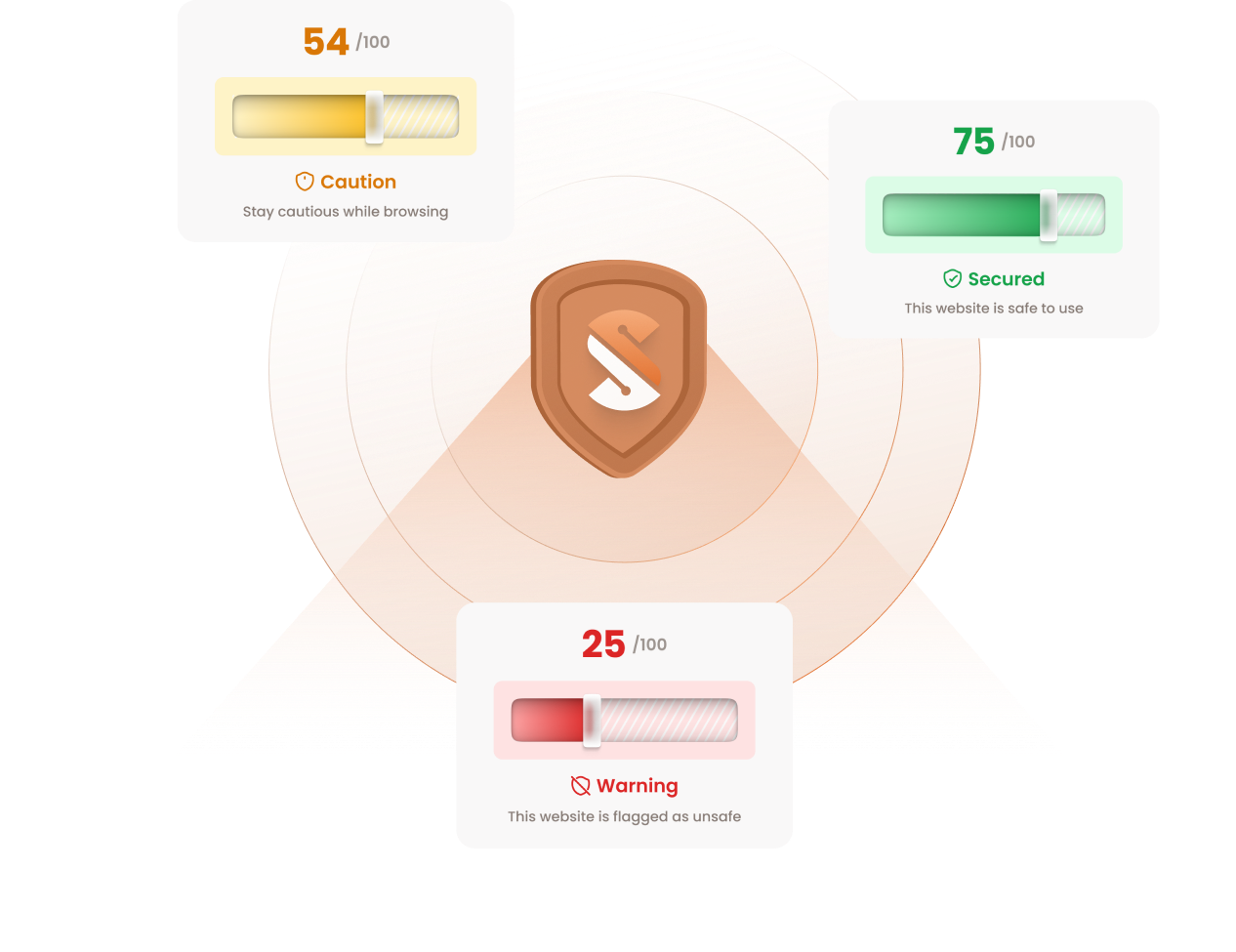

One Ecosystem. Three Layers of Protection
1
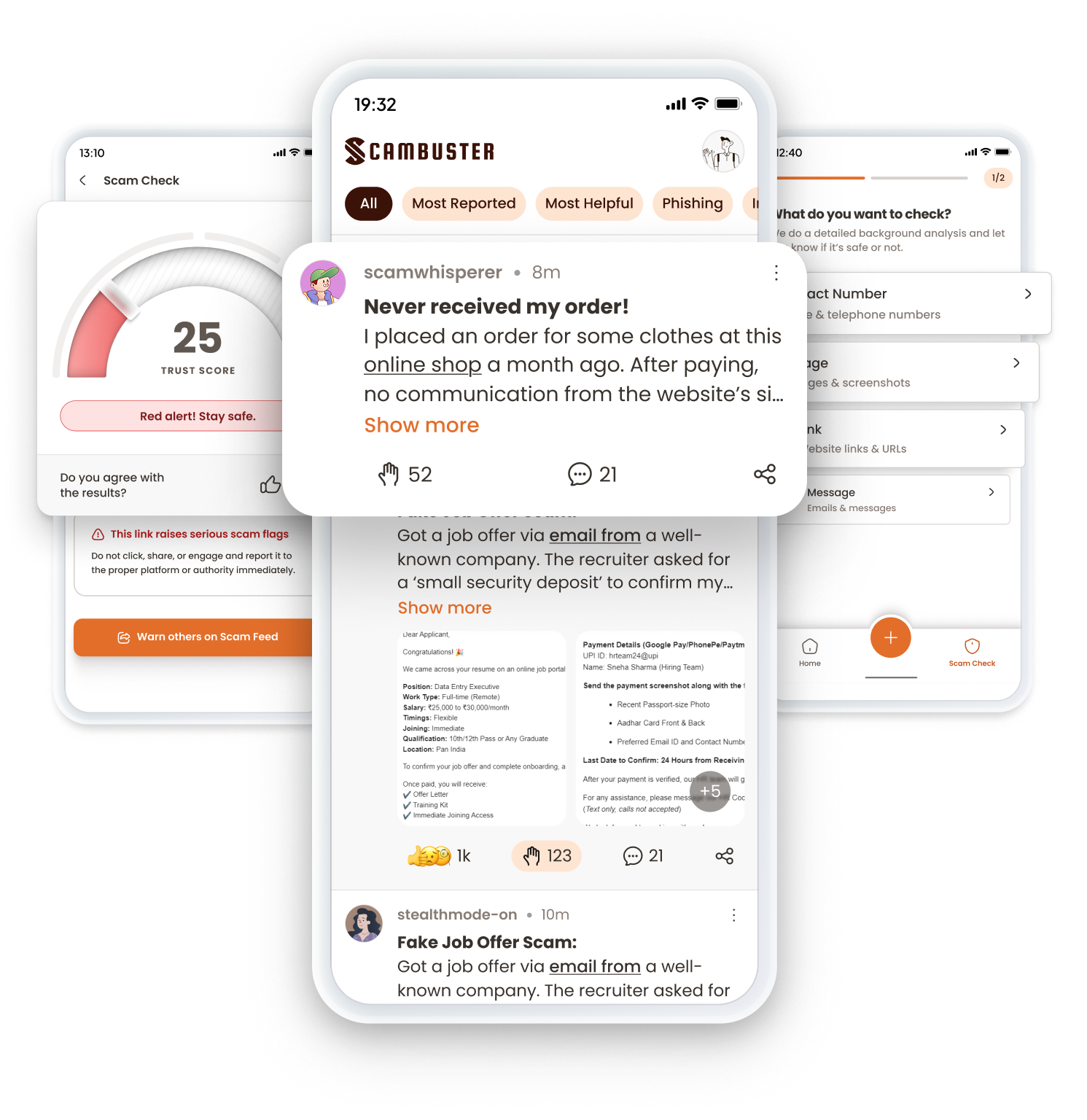
Scambuster App
Check messages, links, and images on your phone
2
Scambuster Browser Extension
Real-time website protection while browsing
3
Scambuster Gmail and Outlook Add-on
Automatic phishing detection in your inbox.
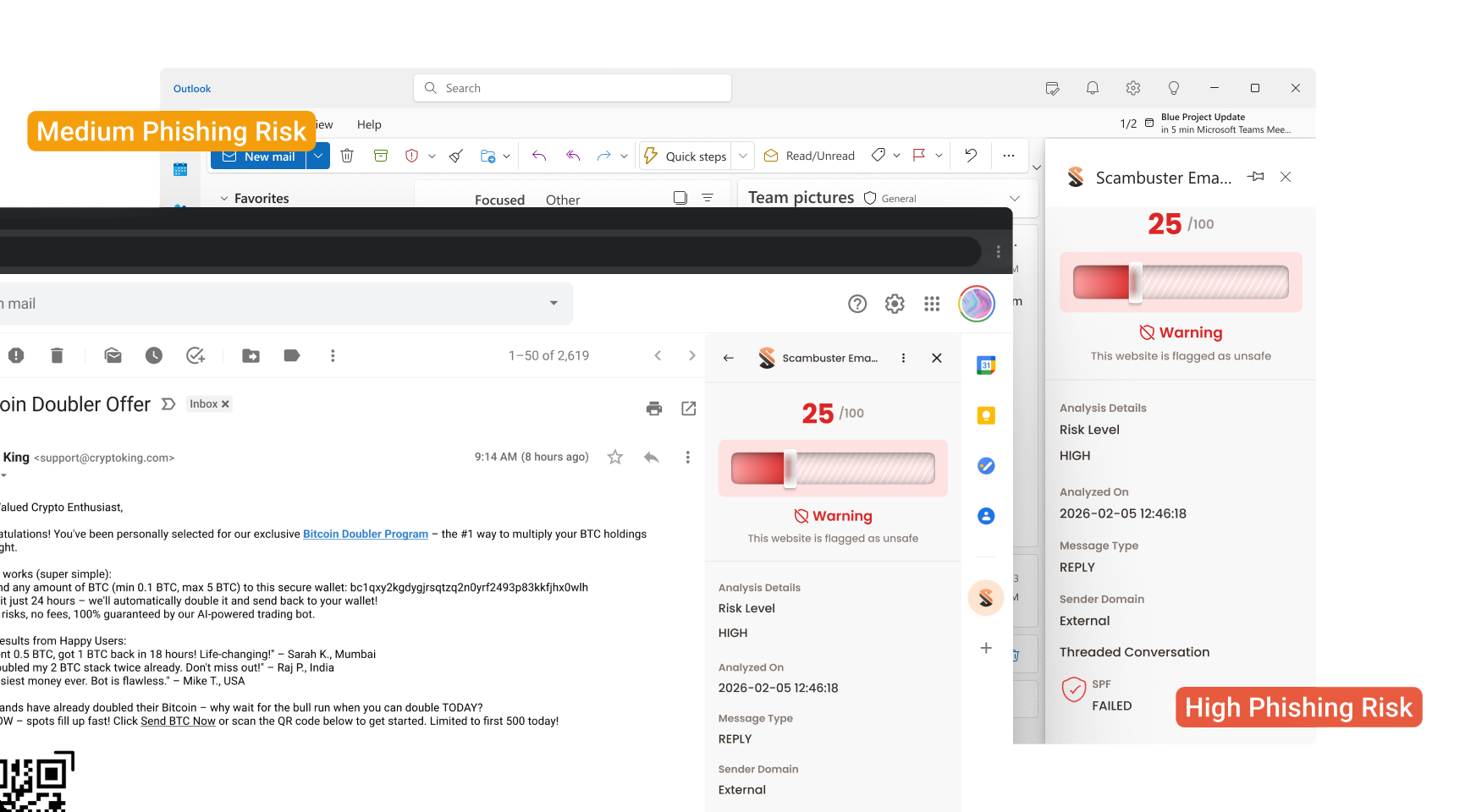
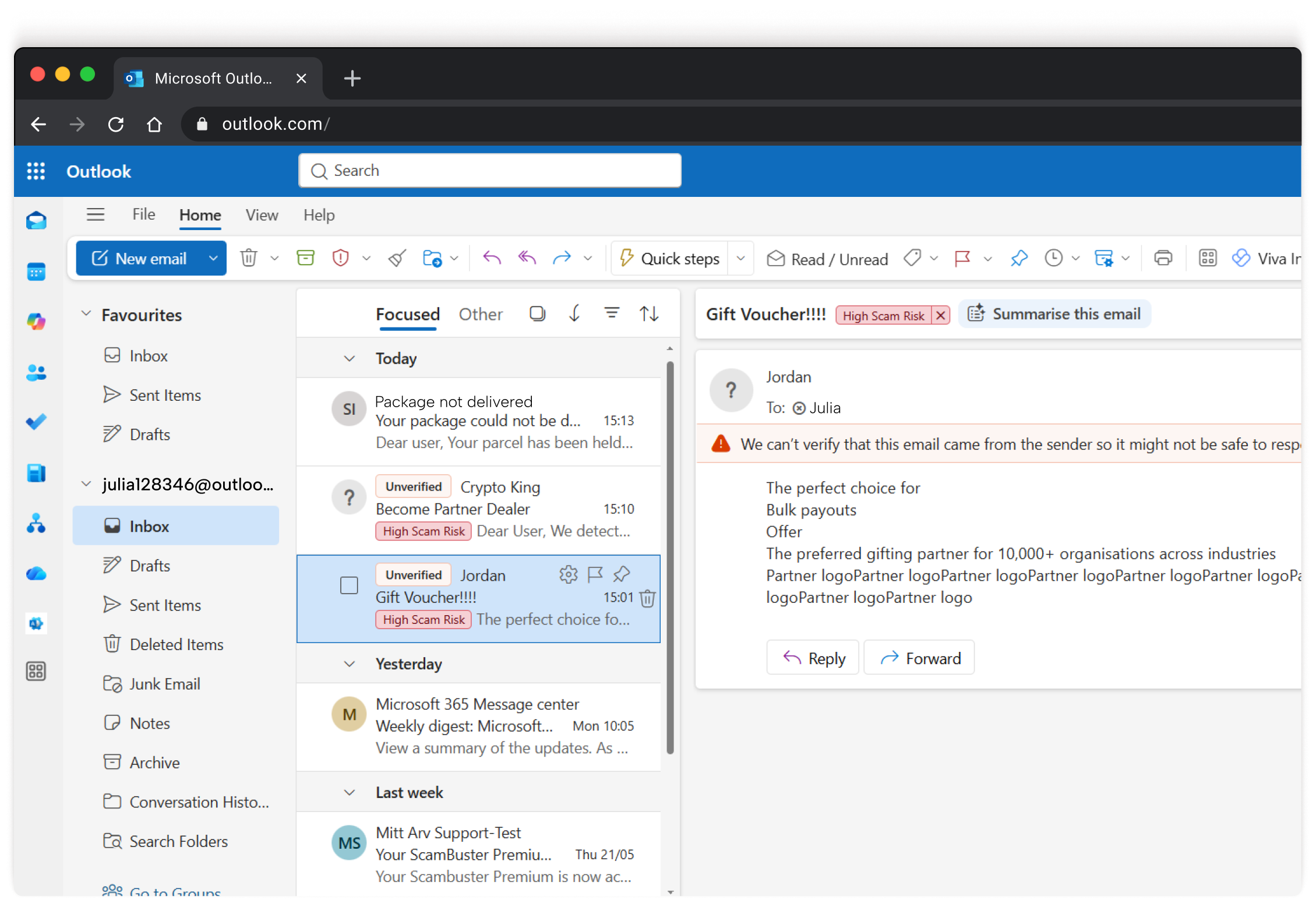
High Phishing Risk
Medium Phishing Risk
Scambuster App
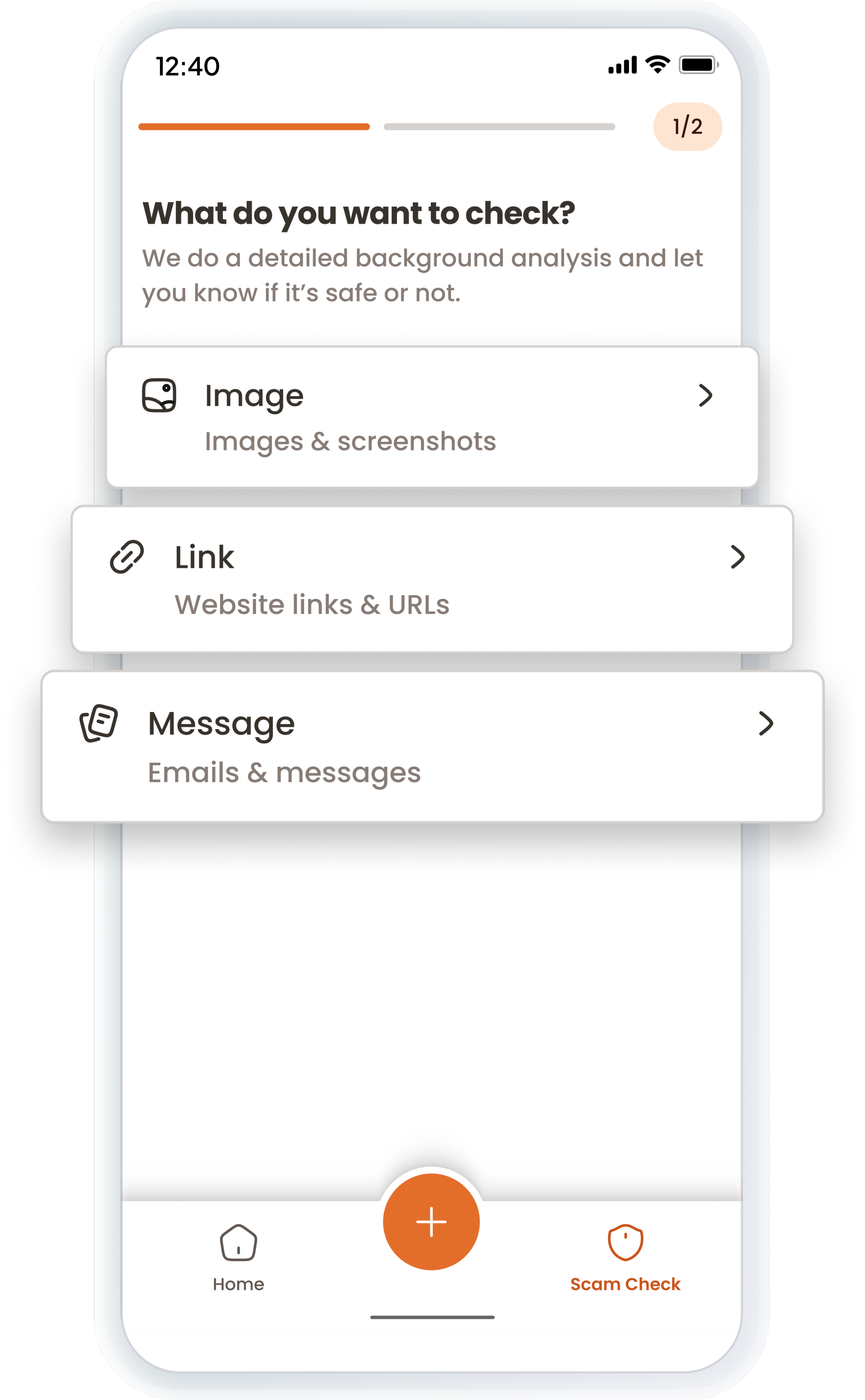
Got a suspicious WhatsApp link or unknown message?
ScamBuster App helps detect scams on your phone before they cost you.


Message Check
Paste any SMS or message to instantly check if it’s safe or a potential scam.

Image Check
Upload images to detect hidden scams and fake elements.

Link Check
Enter any URL to instantly verify if it’s safe or a phishing threat.

Multi-Language Support:
Available in English, Hindi, and Telugu for easy use.
You can run up to 5 Scam Checks without signing in.
How to use it?
Just download, sign in, and check before you trust.
1
Download the ScamBuster app from the App Store or Google Play.
2
Sign in with your Google account.
3
Select your preferred language.
4
Go to the homepage and tap Scam Check on the navigation bar to begin.

We’re building a community to help people stay one step ahead of scams

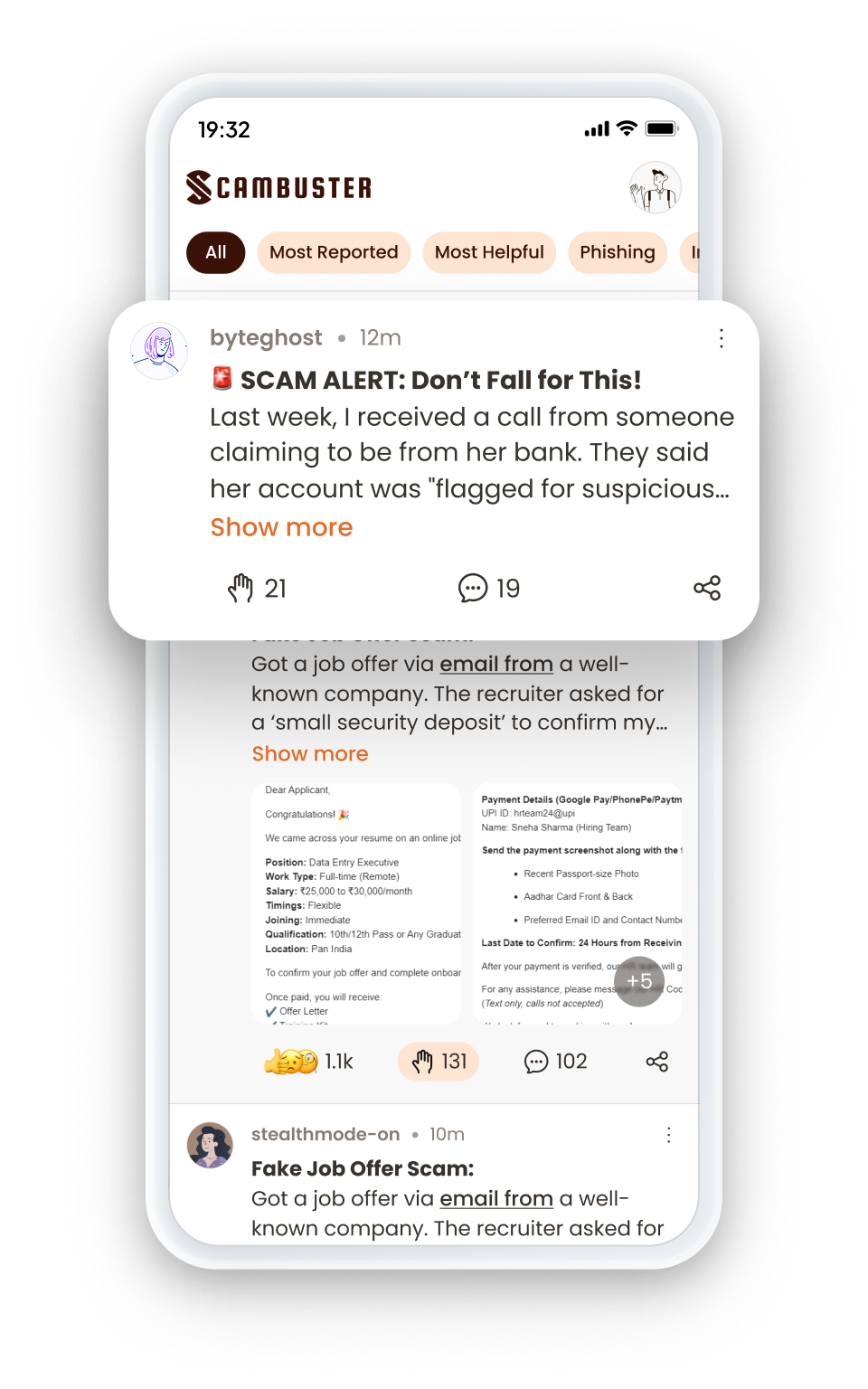
Scam Feed
- Read real scam stories shared by users.
- Learn how scams work and spot warning signs early.
- Stay updated on the latest scam trends and tactics.

Scam Stories
- Seen a scam? Share your experience to help others stay safe.
- Describe how it happened in your language and post anonymously.
Start using Scambuster App today
Get clarity before mistakes turn into damage.
Scambuster Browser Extention
Every site you visit, gets checked in seconds.
Most scams happen while browsing, during shopping, job hunts, investments, or payment links.
How does ScamBuster Browser Extension work?
Real-Time Scanning
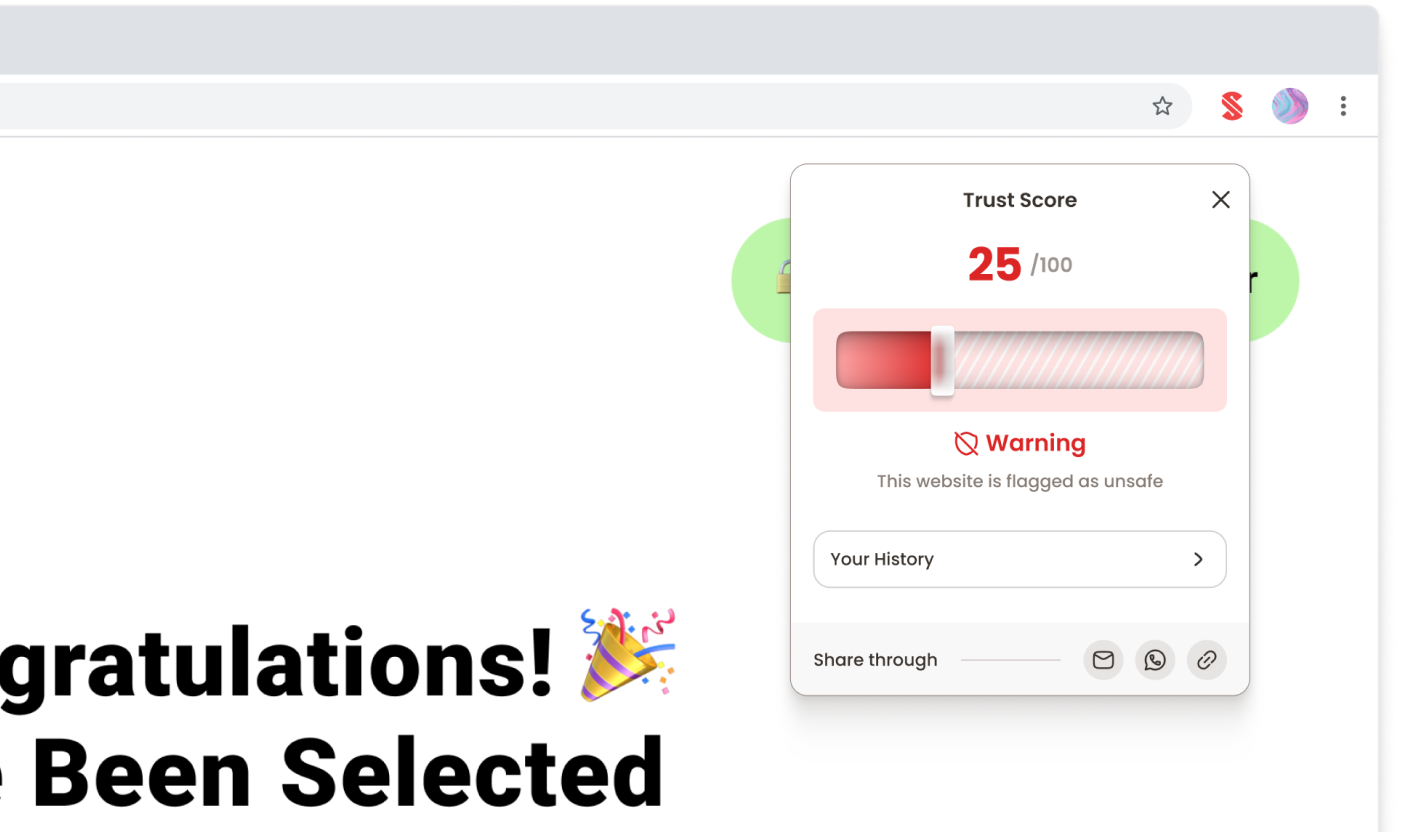
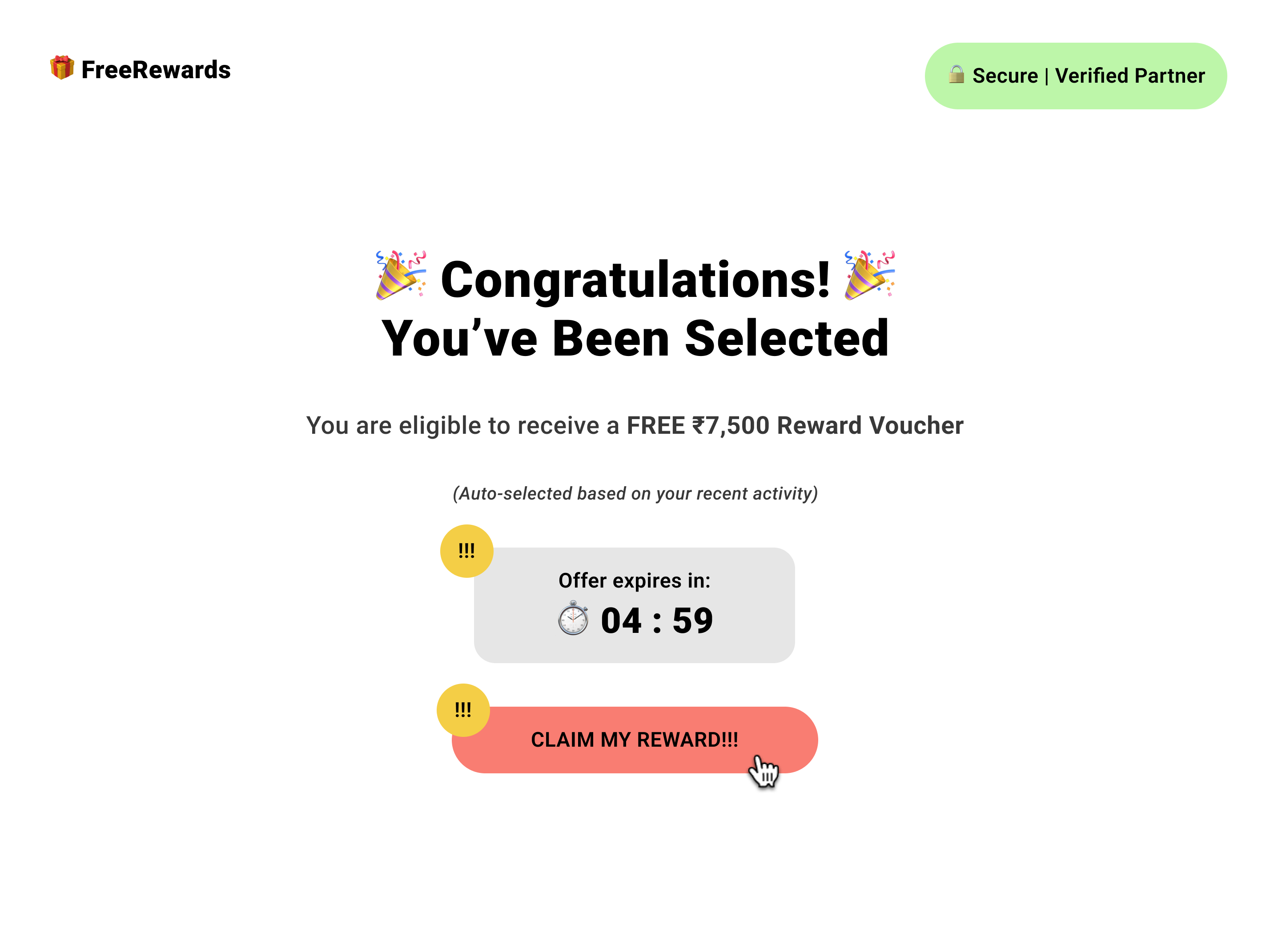
Websites are checked instantly with AI-driven phishing and scam risk signals, showing Safe, Suspicious, or Risky in seconds.


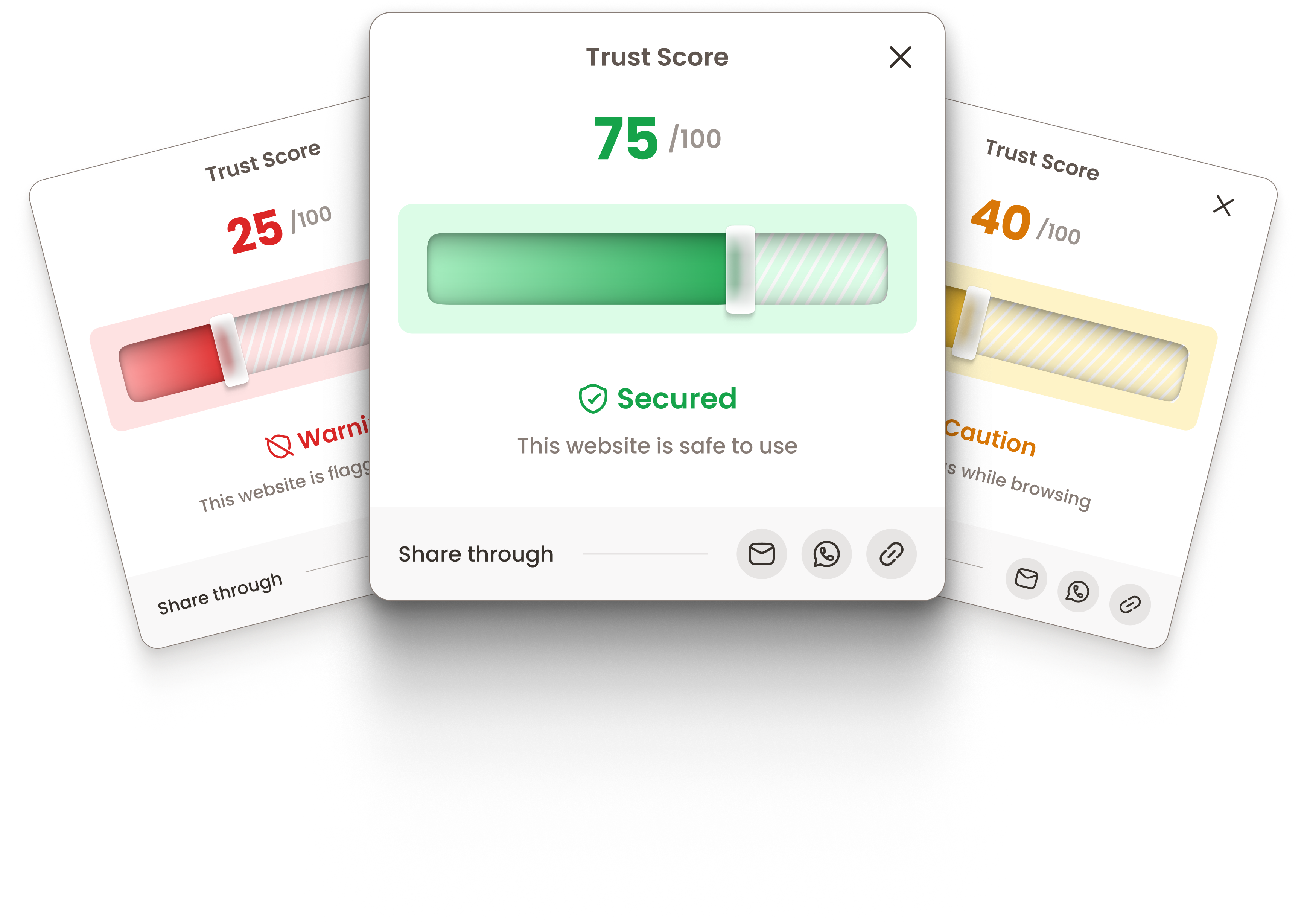
free-reward-claim.site



Google .


Trust Score
25
/100

Warning
This website is flagged as unsafe
Your History

Share through


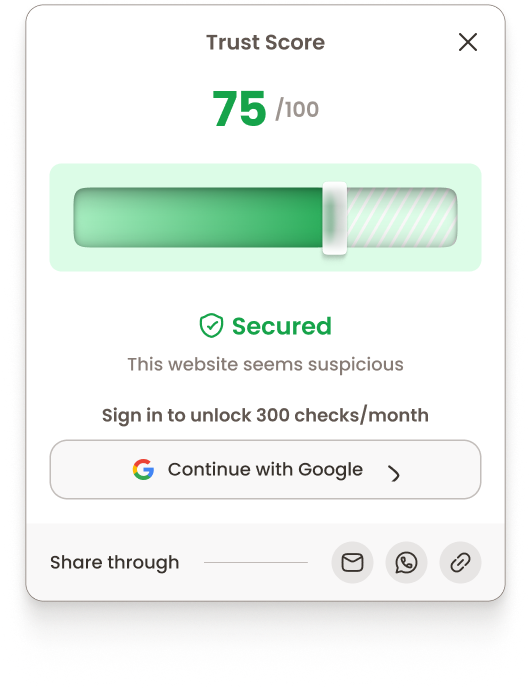
Detailed Trust Score
View a trust score to understand why a site is flagged and make smarter decisions.
Privacy-First
Only the URL is analyzed. No access to your personal data or browsing content.


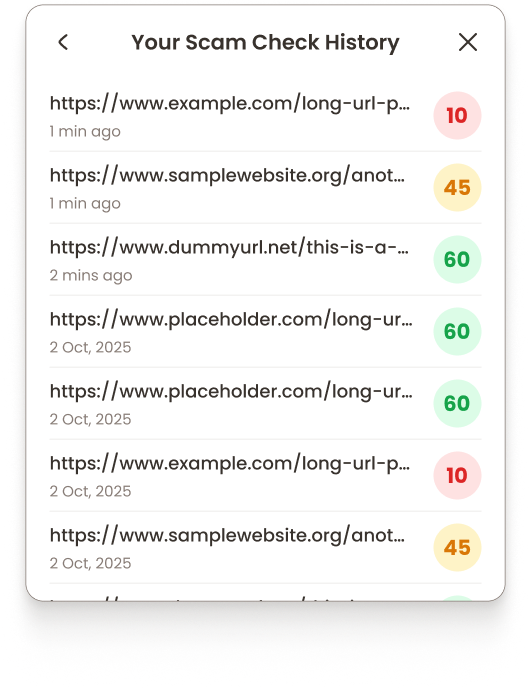
URL History
Track checked sites and scores to learn patterns and stay safer over time.
How to get started?
1
Go to the Chrome Web Store
2
Search for ScamBuster Browser Extension
3
Click “Add to Chrome.”
4
After installing, click the Extensions icon in the top-right corner of Chrome and pin ScamBuster so it appears next to your address bar.
5
Once pinned, in 2-6 seconds you can see a website’s safety through the colour:
Safe
Suspicious
Risky
6
Open the website you want to check
7
Click the ScamBuster icon in your browser toolbar to see the detailed Trust Score and analysis
8
If the score is low or marked risky, avoid sharing money or personal details






















25
/100

Warning
This website is flagged as unsafe

Analysis Details
Risk Level
HIGH
Analyzed On
2026-02-05 12:46:18
Message Type
REPLY
Sender Domain
External
Threaded Conversation

SPF
FAILED
ScamBuster Gmail and Outlook Add-on
Phishing emails are the top way scammers steal accounts and money.
The ScamBuster Gmail and Outlook Add-On works in the background, scanning emails and flagging risks before you open them.
How does ScamBuster Gmail and Outlook Add-on work?

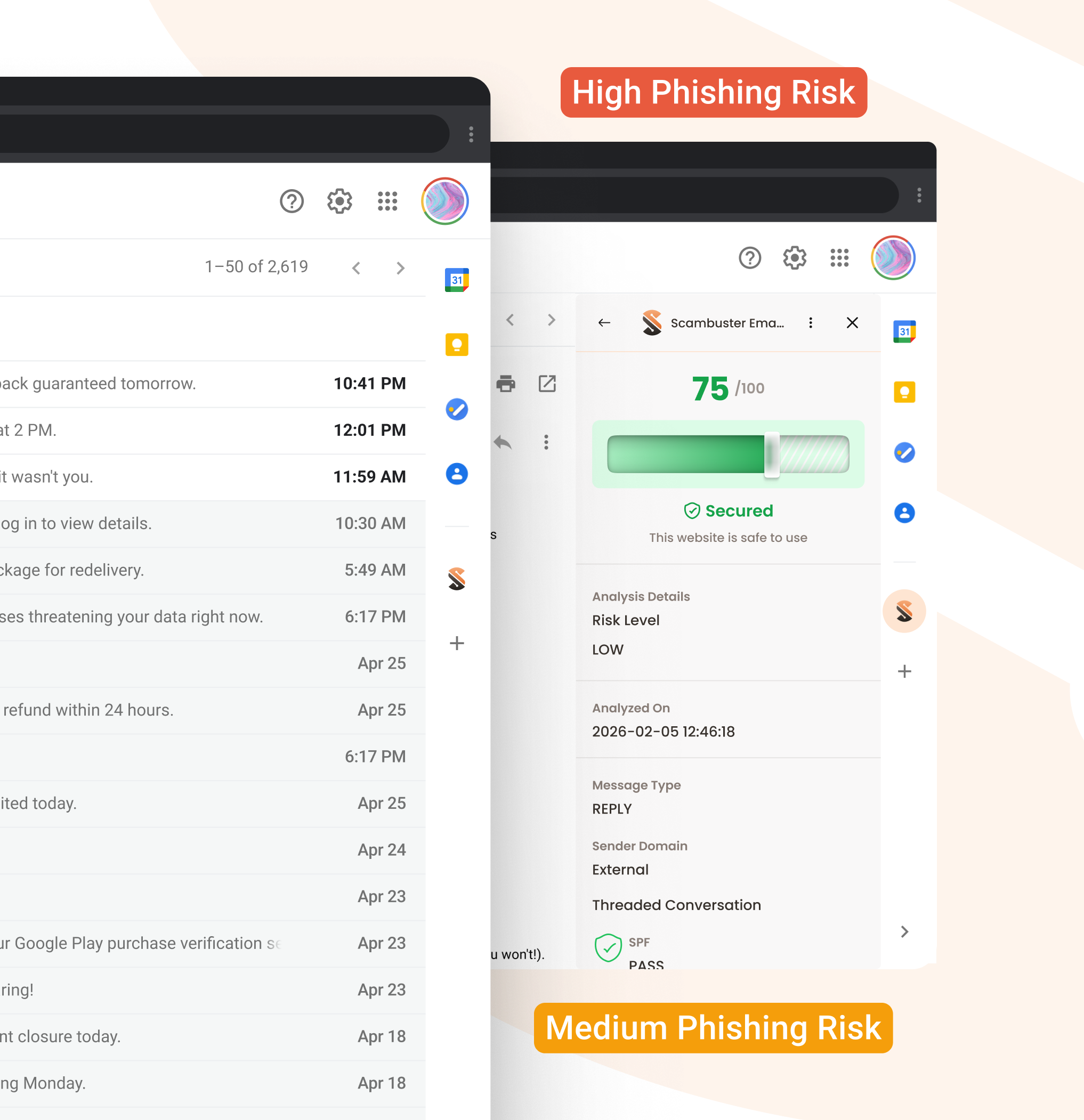
Instant Flagging
See if an email is safe or suspicious at a glance, before opening it.
Emails marked as High Phishing Risk should be avoided immediately, while those labeled Medium Phishing Risk should be opened with caution

Technical-Level Analysis:
Detects phishing via patterns, links, and metadata, without reading your email content.
How to set up ScamBuster Gmail Add-on?
1
Go to Checkout Page to get started.
2
Authenticate using your Google account, no new password needed.
3
Select your subscription and complete the payment securely.
4
Click "Enable Gmail Add-on" on the success page or in your Welcome email.
5
See exactly what ScamBuster accesses: Email Headers and Label Management only.
6
Grant access via Google's standard permissions screen.
7
ScamBuster sets up your labels automatically. Suspicious emails get flagged in your inbox in real time.



25
/100

Warning
This website is flagged as unsafe

Analysis Details
Risk Level
HIGH
Analyzed On
2026-02-05 12:46:18
Message Type
REPLY
Sender Domain
External
Threaded Conversation

SPF
FAILED
1
Go to Microsoft Entrahttps://entra.microsoft.com
2
Navigate to Enterprise Applications Enterprise Applications → All Applications
3
Search for ScamBuster App
Search for and click on ScamBuster App from the list.
4
Go to Permissions
In the ScamBuster App settings, navigate to the Permissions section
5
Grant Admin Consent
Click Grant admin consent for {your organization}
How to set up ScamBuster Outlook Add-on?
Simple Pricing & Protection that pays for itself.
Free Plan Includes

300 combined scam checks shared across the ScamBuster App and Browser Extension.
Message Check, Link Check, and Image Check in the app.
Real-time website scanning in the browser extension.
5 checks without sign-in for instant verification.
Get access to a community that helps you stay protected from ongoing scams while also sharing your experiences so others don’t fall for the same traps.
Premium Plan Includes
Everything in the Free plan
Unlimited scam checks in the ScamBuster App.
Unlimited website scam checks via the browser extension, along with full URL check history and detailed scam score records.
ScamBuster Gmail and Outlook Add-on with built-in phishing detection which flags emails as High or Medium risk directly in your inbox.
Get ScamBuster Premium
Why do Users Trust ScamBuster?

Real-Time AI Detection:
While others rely on old databases, our AI identifies scams, new threats instantly.

Privacy-First:
We analyze technical signals and metadata. Your private messages and email contents are never stored.

Simple & Intuitive:
No complex setups. Just clear, color-coded indicators that anyone can understand.

Community Power:
Benefit from a network of users who report scams, helping us protect everyone the moment a new threat emerges.
Already Affected by a Scam? Don't Navigate It Alone.
The Ultimate Safety Net:Scambuster x Bharatsure
With coverage from INR 25,000 up to 10 Lakhs, starting at just ₹599, you also get Scambuster Premium along.


Complete
Digital Protection
ScamBuster protects you from online threats in real time. Now, with built-in cyber insurance powered by Bharatsure, you are protected all in one place.
Buy Insurance
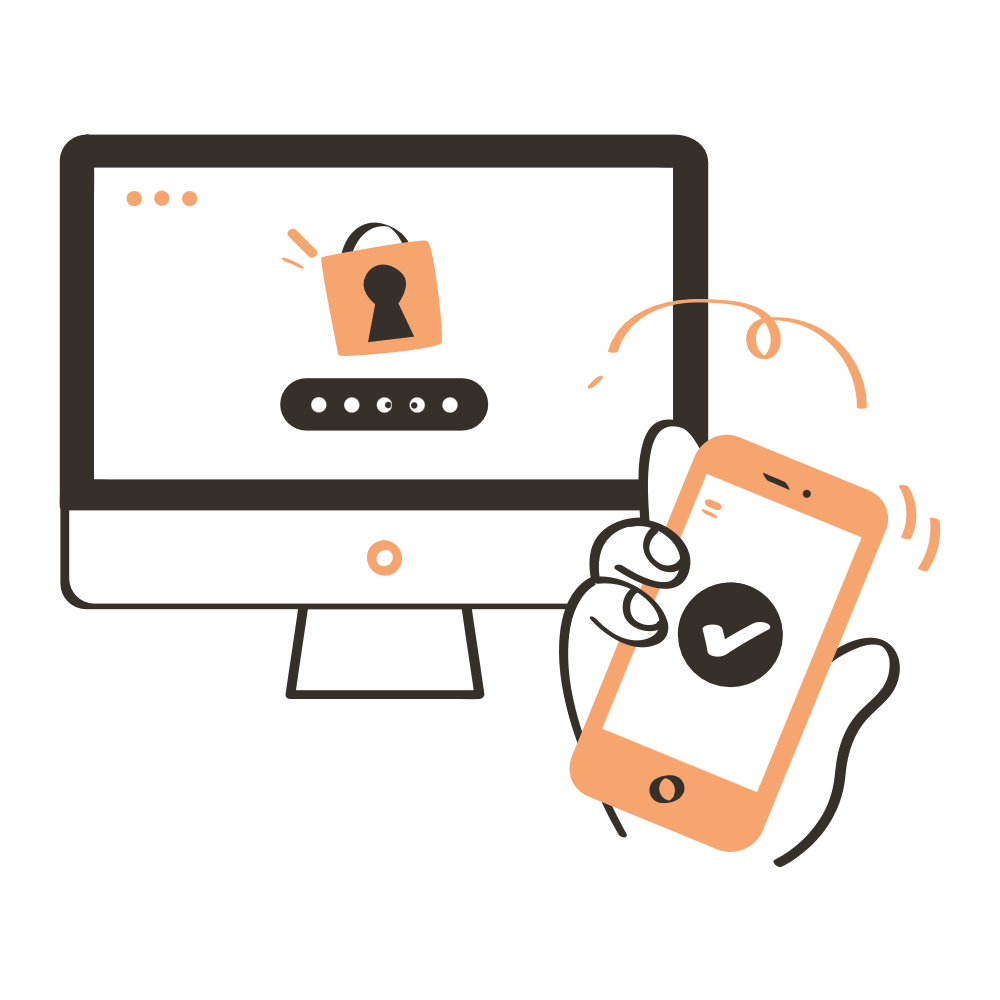
Support Beyond Detection
If ever affected by a digital crime, ScamBuster App provides you with a direct link to official police cybercrime reporting portals, helping you take the right action quickly.
Disclaimer:
Scambuster does not lodge complaints on behalf of users and is not affiliated with, endorsed by, or acting on behalf of any law enforcement or governmental authority.
All complaints are submitted directly by the user to the Cyber Crime authorities and are governed exclusively by their applicable terms, policies, and procedures. Scambuster neither controls nor participates in the receipt, processing, investigation, or adjudication of such complaints and assumes no responsibility or liability for the status, handling, or outcome of any report made through the external portal.

Mitt Arv Technologies Pvt. Limited, Singapore:
Headquarter Address:
160 Robinson Road, #14-04, Singapore Business Federation Center,
Singapore 068914
Mitt Arv Technologies Pvt. Limited, India:
Registered Address:
1-8-55/1, S. No. 6, PG Road, Secunderabad, Hyderabad, Telangana, India, 500003
Corporate Address:
205 Ashoka Bhopal Chambers,
Sindhi Colony, Begumpet, Secunderabad, Hyderabad, Telangana, India, 500003